GoLinks product updates for March 2026 focus on three core needs: keeping information current, improving discoverability, and maintaining control as your workspace grows. Each feature addresses a common challenge teams face as go links scale across an organization.
Keep go links accurate with verification
Go links only work when teams can trust them. As your workspace grows, outdated links and unclear ownership create confusion and slow people down. Verification solves this by giving teams a clear way to keep links accurate over time.
Creators can verify their go links and set re-verification intervals based on how often content changes. Teammates can request verification when something looks outdated, and you can manage all requests in a dedicated dashboard tab. A badge marks verified links in your library, so teams can quickly identify trusted resources.
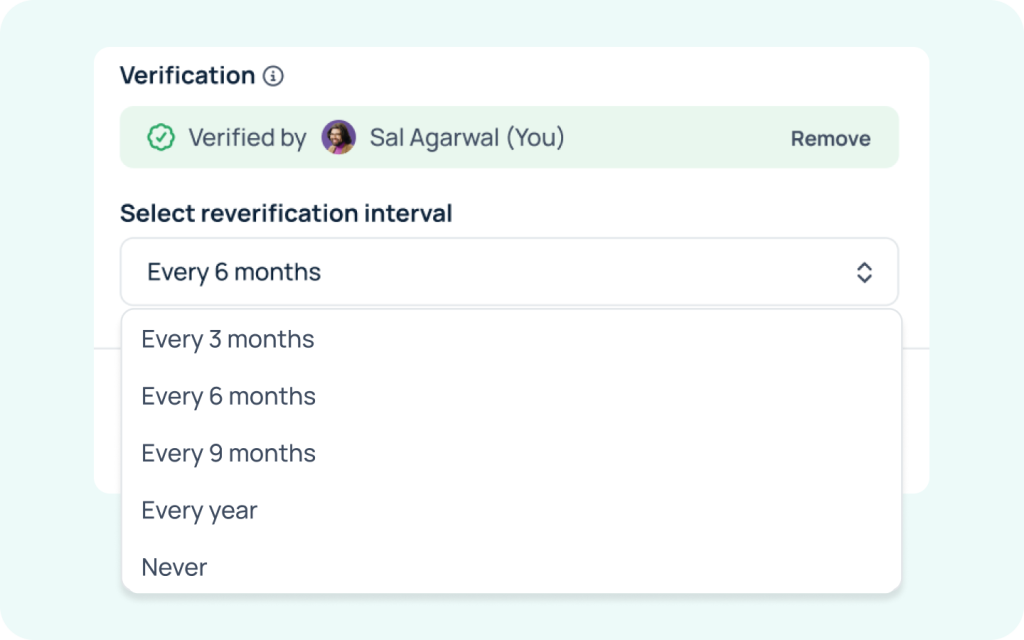
Verification reduces broken links and helps teams rely on go links with confidence.
To get started, verify your existing links and set a review interval. Then use the verification dashboard to manage requests and keep links up to date.
Enterprise plans include verification. Free users can request a demo to explore this feature.
Improve discoverability with the tags dashboard
As teams create more go links, organization becomes critical. Tags help teams group links by project, team, or topic, but inconsistent tagging can make discovery harder instead of easier.
The new tags dashboard gives you a clear view of how your workspace uses tags. You can see which tags your team uses most, which ones are trending, and which ones people recently created. This visibility helps you spot duplicates and inconsistencies quickly. You can merge similar tags into a single standard or remove unused tags to keep things clean.
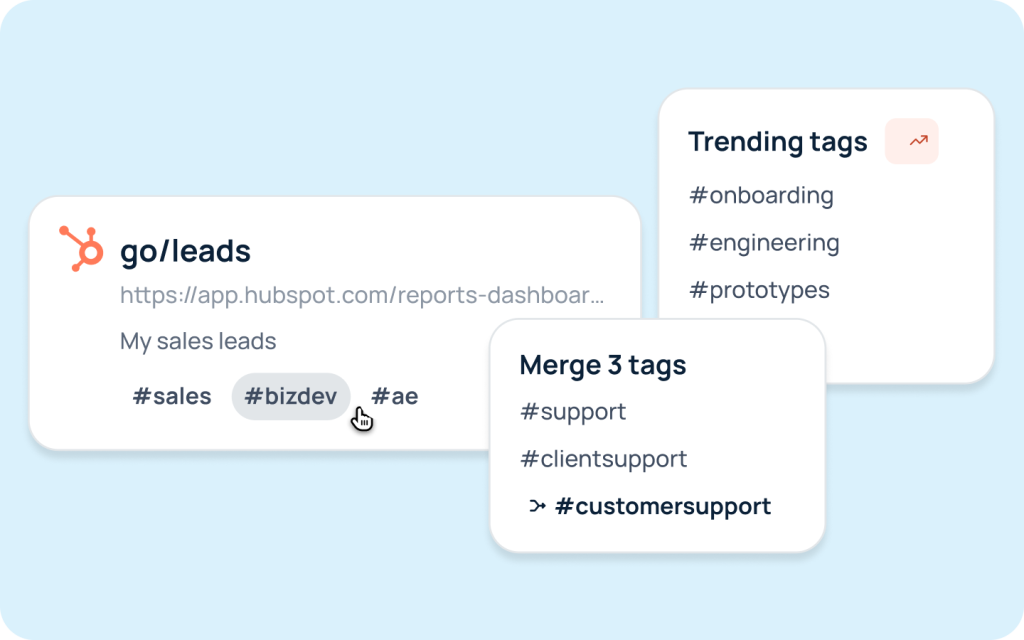
A consistent tagging system helps teams find the right links faster and reduces time spent searching.
To get started, review your tags dashboard and clean up duplicates or unclear tags. Standardizing tags early helps your workspace stay organized as it grows.
Pro and Enterprise plans include the tags dashboard. Free users can request a demo or upgrade to start using tags.
Maintain control with the new user management page
Managing users and permissions takes time, especially as teams grow. Without a central place to handle changes, admins often rely on repetitive manual updates.
The new user management page centralizes key admin actions so you can manage access more efficiently. Admins can assign roles, send invites, and provision or deactivate users in bulk. This approach reduces repetitive work and keeps permissions consistent across your workspace.
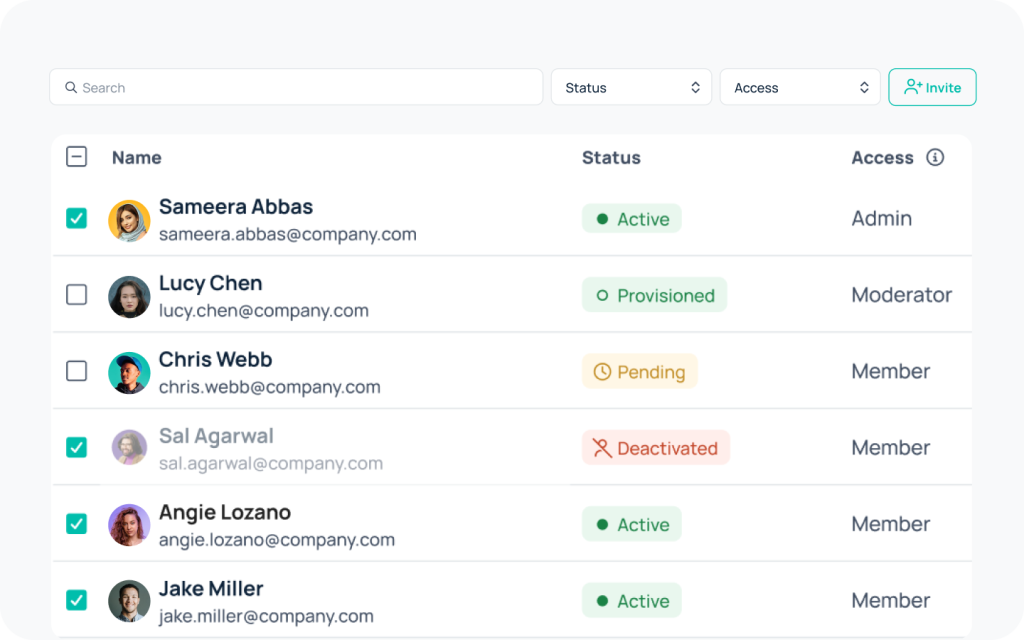
Centralized user management helps teams stay organized and secure without adding operational overhead.
To get started, open the user management page in your admin dashboard. From there, you can update roles, manage access, and handle onboarding or offboarding in a few steps.
Basic, Pro, and Enterprise plans include user management. Free users can request a demo or upgrade to access these features.
Get started
GoLinks March 2026 product updates help teams keep information accurate, make resources easier to find, and maintain control as usage grows.
If you’re on a paid plan, start using these features from your dashboard. If you’re new to GoLinks or using the Free plan, request a demo to bring verification, tags, and user management into your workspace today.
Access and share resources instantly with GoLinks
Schedule a demo